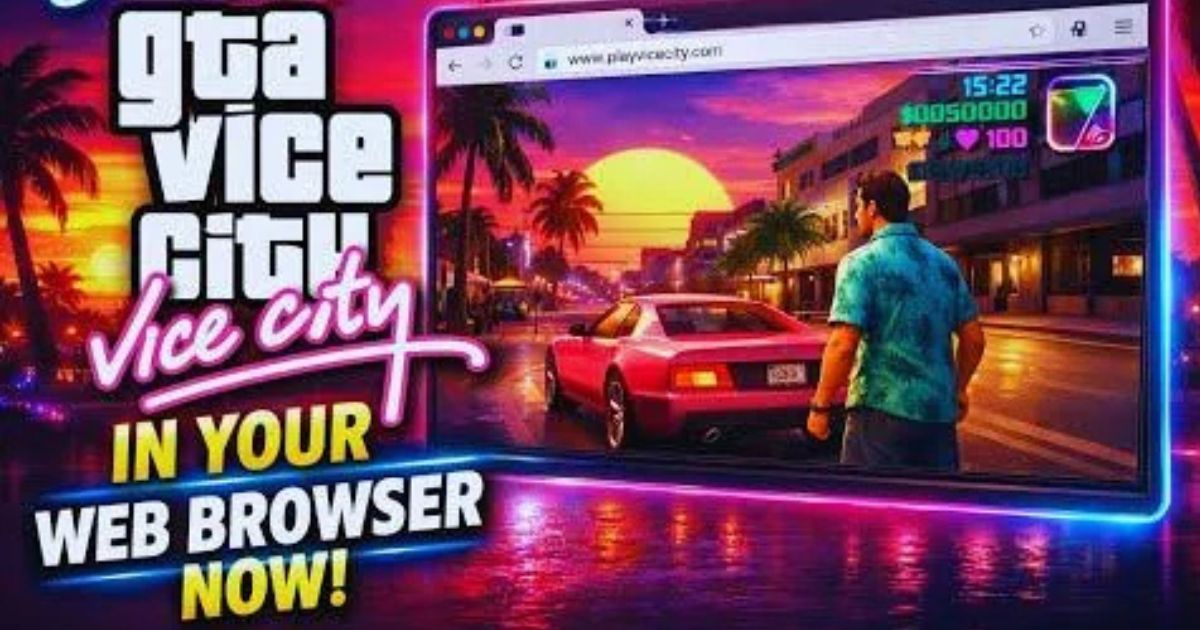
Grand Theft Auto: Vice City remains one of the most recognizable open-world games ever created. Its neon-lit streets, unforgettable characters, classic vehicles, and 1980s-inspired atmosphere have kept it popular long after its original release. But for many players, installing an old PC game can feel inconvenient—especially when storage, compatibility, or installation requirements become an issue.
Fortunately, browser-based gaming has changed considerably. Depending on the service available in your region, it may be possible to play GTA Vice City online through a web browser without installing the game locally. This approach can provide a convenient way to access classic gaming experiences without going through a traditional installation process.
In this guide, we explore how browser gaming works, what you should expect, and the important factors to consider before attempting to play Vice City online.
Can You Really Play GTA Vice City Without Downloading It?
The short answer is: sometimes, but it depends on the platform providing the game.
GTA Vice City was originally designed as an installed PC and console game. It was not created as a native browser game. Therefore, a legitimate browser-based experience generally requires a cloud gaming service, remote gaming platform, or another authorized streaming solution.
With cloud gaming, the game runs on a remote computer or server. Instead of downloading the complete game to your own device, the service streams the gameplay to your browser. Your keyboard, mouse, or controller sends commands back to the remote system, creating an experience that can feel similar to playing a locally installed game.
This is particularly useful for users with limited storage or computers that are not powerful enough to run modern games comfortably.
How Browser-Based GTA Gaming Works
The technology behind browser gaming is relatively straightforward from the player’s perspective.
First, you access a compatible cloud gaming or streaming platform using a modern browser such as Chrome, Edge, Firefox, or another supported browser. After signing in, you select the game if it is included in that service’s library.
The game itself runs on the provider’s hardware. The video output is compressed and transmitted to your device in real time, while your controls are sent back to the server.
This means your computer does not necessarily need to handle all of the game’s processing. Instead, the quality of your experience depends heavily on your internet connection, browser performance, server distance, and the capabilities of the streaming service.
What Do You Need to Play?
One of the biggest advantages of browser-based gaming is that the hardware requirements on your side can be relatively modest. However, there are still a few essentials.
1. A Stable Internet Connection
Internet quality is arguably more important than computer specifications when streaming a game.
A fast and stable connection helps reduce buffering, input delay, image quality problems, and sudden disconnections. A wired Ethernet connection is usually preferable, although a strong 5 GHz Wi-Fi connection can also work well.
2. A Modern Web Browser
Use an updated browser with hardware acceleration enabled when supported. Keeping your browser updated can also improve compatibility and security.
3. A Compatible Device
You can potentially use a desktop, laptop, or other supported device depending on the cloud gaming platform. The actual requirements vary from one service to another.
4. A Legal Game Source
This is an important consideration. Not every website claiming to offer “GTA Vice City online” is legitimate.
Some websites may distribute unauthorized copies, modified versions, or files that could potentially contain malware. A professional approach is to use officially licensed platforms or reputable cloud gaming services rather than unknown websites offering a free copy of the game.
Why Play Vice City in a Browser?
There are several reasons gamers may prefer browser-based access.
No traditional installation: You may not need to download a large game installer or manage installation files.
Less storage usage: Since the game runs remotely, your device may not need to store the complete game.
Convenience: You can access a compatible service directly from your browser instead of going through a lengthy installation process.
Useful for older hardware: Cloud gaming can shift much of the processing workload to remote servers.
Easy accessibility: For players who frequently switch between computers, browser-based gaming can be more convenient than maintaining a local installation.
What About Performance?
Browser gaming is convenient, but it is not automatically better than running the game locally.
The biggest challenge is latency. When you press a button, your command has to travel to the remote server, be processed, and return as video. If the server is geographically far away or your connection is unstable, you may notice a delay.
Image quality can also fluctuate. A cloud gaming service may reduce video quality when bandwidth becomes limited. Fast-moving scenes can sometimes appear softer or show compression artifacts.
For a smoother experience, close unnecessary browser tabs and applications, use a stable connection, and select the closest available server when the platform provides that option.
Beware of Fake “Play GTA Vice City Online” Websites
Searching for browser-based GTA games can produce many websites with attractive claims such as “Play instantly,” “No download,” or “100% free.”
Users should approach these pages carefully.
Some websites may use misleading download buttons, aggressive advertisements, suspicious browser notifications, or unauthorized copies of commercial games. Others may claim to provide the complete game in the browser when they are actually offering a completely different title.
Before using any unfamiliar gaming website, check who operates it, whether it has a legitimate licensing relationship, and whether reputable gaming communities recognize the service.
Never install unknown browser extensions, executable files, or suspicious programs simply because a website claims they are required to play the game.
Is Browser Gaming Worth It?
For someone who simply wants convenience, browser-based gaming can be an attractive option. It eliminates much of the traditional installation process and can make older gaming experiences easier to access.
However, players who want the most consistent performance may still prefer a legitimate local version of the game. Local installation eliminates many of the network-related problems associated with streaming, including latency and bandwidth fluctuations.
The best option ultimately depends on your device, internet connection, and the legitimate services available to you.
Final Thoughts
Playing GTA Vice City online without downloading the game can be possible through legitimate cloud gaming or remote-streaming services, but it is important to understand how the technology works before choosing a platform.
Vice City may be an older title, but its open-world design and distinctive atmosphere continue to attract new players. Browser-based gaming provides another convenient way to experience classic games, particularly for people who do not want to install large applications or manage compatibility issues.
The key is to choose a reputable and legally authorized gaming service, maintain a stable internet connection, and avoid websites that offer suspicious downloads or unauthorized copies.
With the right platform and a reliable connection, browser gaming can offer a surprisingly convenient way to revisit the streets of Vice City—without the traditional hassle of downloading and installing a game.