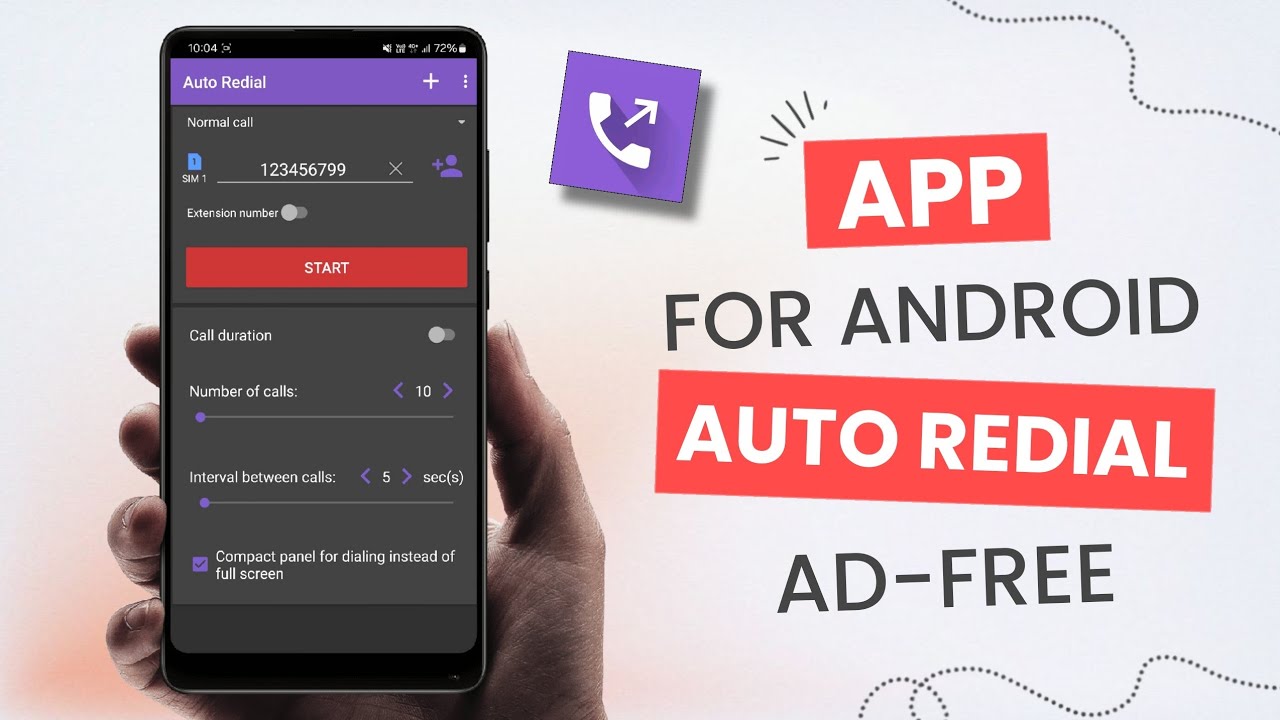
Best Auto Redial App Call redialing might seem like a basic smartphone function, but in many real-world scenarios, the default dialer’s capabilities are simply not enough. Traditional Android dialers usually let you manually press the call button over and over — a task that quickly becomes tedious and error-prone. Auto redial apps automate this repetitive process, saving you time and frustration.
As 5G networks and VoLTE have become ubiquitous in 2026, call quality has significantly improved, but unexpected disconnects can still occur — especially with carrier handoffs or network congestion. Auto redial apps now integrate seamlessly with modern Android versions, offering intelligent retry logic, analytics, scheduling, and even integration with your contact list to streamline communications like never before.
Moreover, in a globalized world where services like appointment bookings, airline lines, or customer support hold virtual queues, an auto redial tool that can work reliably even over weak signals can become invaluable. Today’s apps boast smarter detection of busy signals, adaptive retry intervals to reduce battery consumption, and privacy safeguards — features that were unimaginable a few years ago.
Top Contenders: Best Auto Redial Apps for Android in 2026
SmartRedial Pro stands out as the most complete package for Android users who want a powerful but user-friendly auto redial experience. Compatible with the latest Android releases in 2026, this app allows you to automatically redial a number until the call connects or a specified timeout is reached. What sets it apart is its intelligent algorithm that adjusts retry frequency based on network conditions. If your signal fluctuates, SmartRedial Pro reduces the retry rate to conserve battery and quickly speeds up when conditions improve.
The app also lets you save favorite numbers, set maximum redial attempts, and pinpoint time intervals between retries. For professionals who need reliability during peak times — such as during ticket releases or limited-seat reservations — its scheduling feature ensures you never miss a window. The interface strikes a balance between simplicity and advanced control, making it a winner for both everyday users and heavy callers.
AutoCall Buddy — Best for Simplicity and Quick Tasks
Not everyone needs a fully loaded dialer tool with every feature imaginable. For users who want a straightforward, no-fuss redial app, AutoCall Buddy delivers just that. It launches fast, requires minimal permissions, and gets to work with a single tap. You can set it to repeat calls at a fixed rate, and the app intelligently stops when you finally connect.
This simplicity makes AutoCall Buddy especially popular among users who need auto redial functionality without distractions. While it doesn’t include advanced scheduling or analytics tools, its reliability — even under fluctuating network conditions — earns it a place among the best.
CallSense — Best for Advanced Automation
CallSense targets users who want more than just automatic redialing. In 2026, automation is everywhere, and CallSense leverages this trend with features like conditional callbacks (e.g., retry only if call drops within the first 30 seconds), contact-based rules, and integration with Android’s notification system. You can define custom redial profiles for different contacts — for example, a rapid retry mode for emergency contacts and a slower pattern for support lines.
CallSense also offers detailed logs and performance analytics that help you understand when and why calls were dropped. While its learning curve is steeper than simpler alternatives, its flexibility and feature set make it the best choice for power users.
Key Features to Consider Before Choosing
When selecting the best auto redial app for Android in 2026, consider the following Retry Logic and Algorithms Look for apps that adapt retry intervals dynamically to improve success rates without draining battery Scheduling and Automation Ability to run tasks at specific times or under certain conditions adds significant value.
Network Reliability Tools Busy signal detection, dropped call awareness, and retry optimization help make auto redial more useful in real situations User Interface and Permissions A well-designed UI and privacy controls ensure the app feels trustworthy and easy to operate Compatibility with Android 14/15/16 (or later) Making sure the app runs smoothly on your device’s OS version is essential.
Auto redial apps have evolved beyond simple repeat call tools — they are now intelligent assistants that help Android users manage communications more efficiently in an increasingly connected world. Whether you prefer a full-featured solution like SmartRedial Pro, a streamlined experience like AutoCall Buddy, or a powerful automation engine like CallSense, 2026 offers options for every use case.