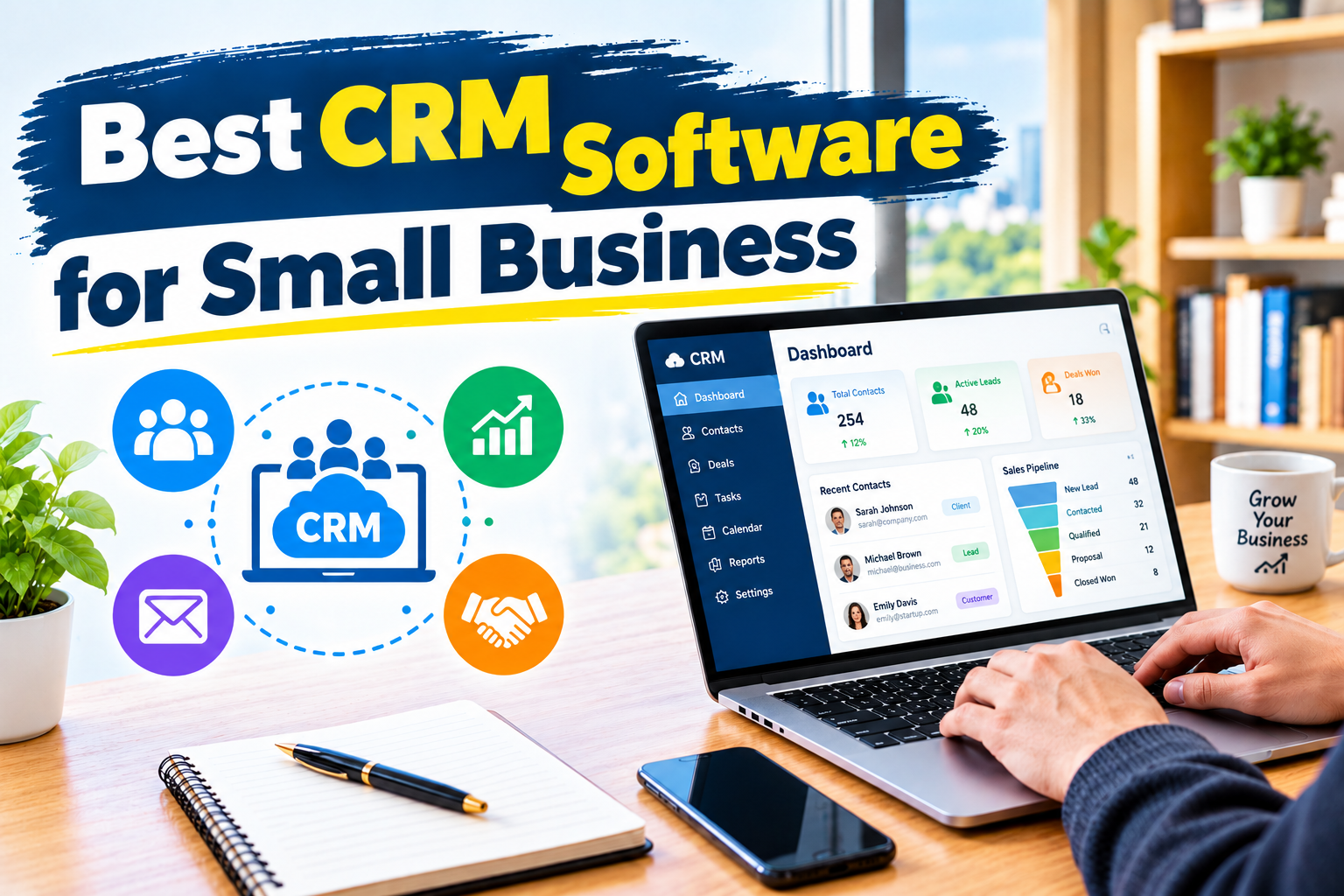
Choosing the best CRM software for small business can help you organize customer information, manage sales opportunities, improve customer relationships, and grow your business more efficiently. Whether you run a startup, an online store, a digital marketing agency, a consulting company, or a local service business, customer relationship management (CRM) software can help you manage leads and keep track of important conversations.
Many small businesses still rely on spreadsheets, notebooks, email inboxes, or messaging applications to manage customers. These methods may work when a business has only a few clients, but they can become difficult to maintain as the number of leads and sales opportunities increases.
A CRM system brings customer information into one organized platform. It can help you remember follow-ups, track potential deals, monitor customer interactions, and identify opportunities that might otherwise be missed.
However, not every CRM platform is designed for the same purpose. Some focus on sales pipeline management, while others combine sales, marketing, customer support, and automation. Choosing the right software depends on your budget, team size, business model, and technical requirements.
In this guide, we compare seven popular CRM platforms for small businesses in 2026, explain their main features, discuss their advantages and disadvantages, and help you decide which solution may be right for your company.
Quick Answer: What Is the Best CRM Software for Small Business?
HubSpot CRM is a strong starting point for small businesses that want a user-friendly CRM with free entry-level options. However, it is not the best choice for every business.
Here are our recommended options based on different business needs:
- HubSpot CRM: Best overall starting point for many small businesses.
- Zoho CRM: Best for businesses seeking extensive features and customization.
- Pipedrive: Best for managing sales pipelines and tracking deals.
- Freshsales: Best for teams that want sales tools and integrated communication features.
- Salesforce Starter Suite: Best for businesses planning to expand their CRM capabilities.
- monday CRM: Best for teams that want to connect sales workflows with project management.
- Bigin by Zoho: Best for freelancers, solo entrepreneurs, and very small teams that need a simpler CRM.
These recommendations are based on the general capabilities and intended use cases of the platforms, rather than a claim that one product is universally superior. Verify current plan details before making a purchase.
What Is CRM Software?
CRM stands for Customer Relationship Management. CRM software helps businesses collect, organize, and manage information about prospects, customers, and business relationships.
A typical CRM system can store customer names, email addresses, phone numbers, previous conversations, purchase history, sales opportunities, and scheduled follow-up activities.
For example, imagine that you run a small web development agency. A potential customer contacts you about building a website. You discuss the project, send a proposal, and wait for a response.
Without a CRM, you might forget to follow up or lose track of the conversation among dozens of emails.
With CRM software, you can save the customer’s information, record the conversation, assign the opportunity a sales stage, set a reminder, and track whether the proposal eventually becomes a sale.
Depending on the platform, you may also automate email follow-ups, generate reports, connect marketing campaigns, or integrate customer support tools.
The goal is simple: help your business manage relationships more consistently and make better use of its customer information.
Why Do Small Businesses Need CRM Software?
A CRM system can be useful even when you have a small team. Its value comes from organizing information and making sure important customer activities are not forgotten.
1. Organize Customer Information
A CRM creates a central place for customer details, notes, conversations, and sales opportunities. This makes it easier to find information without searching through several spreadsheets or inboxes.
2. Improve Lead Management
Not every person who contacts your business is ready to buy immediately. Some prospects need a quotation, a demonstration, or additional information before making a decision.
CRM software helps you track these prospects and identify the next step for each opportunity.
3. Reduce Missed Follow-Ups
Following up at the right time can be important for sales. CRM reminders and workflow automation can help your team remember calls, emails, meetings, and pending proposals.
4. Improve Customer Relationships
When customer information and previous interactions are easy to access, employees can provide more relevant and consistent communication.
A CRM can also help your team understand customer preferences and identify opportunities for repeat business.
5. Track Sales Performance
Many CRM platforms provide dashboards and reports that show the number of leads, open deals, sales activities, and other performance indicators.
These reports can help business owners identify bottlenecks in their sales process.
6. Automate Repetitive Tasks
Depending on the subscription, CRM automation can assign leads, create reminders, update deal stages, and trigger notifications.
Automation helps reduce repetitive administrative work, although workflows should be tested to ensure they operate correctly.
7. Support Business Growth
As your business grows, customer information becomes more difficult to manage manually. A suitable CRM can provide a more consistent process for managing leads and relationships as your team expands.
Best CRM Software for Small Business: Comparison Table
The following table provides a quick comparison of seven CRM platforms worth considering.
| CRM software | Best for | Main strengths | Pricing approach |
|---|---|---|---|
| HubSpot CRM | General small-business CRM | Contact management, sales tools, marketing integrations | Free entry-level tools and paid plans |
| Zoho CRM | Customization and value | Workflow automation, reporting, customization | Free entry-level option and paid tiers |
| Pipedrive | Sales-focused teams | Visual sales pipelines, deal tracking, sales activities | Paid subscriptions and trial availability |
| Freshsales | Sales communication | Contact management, sales tools, communication features | Free or paid options depending on current offering |
| Salesforce Starter Suite | Growing businesses | Connected sales and customer management capabilities | Paid subscription |
| monday CRM | Sales and project workflows | Customizable boards, tasks, workflow management | Paid subscriptions and trial availability |
| Bigin by Zoho | Small teams and solo owners | Simple pipelines, contact organization, basic automation | Free entry-level option and paid plans |
Important: Availability, free-plan limits, included features, and subscription prices vary by product and may change. Some providers charge per user, while others impose minimum seats or additional fees for advanced functionality.
1. HubSpot CRM — Best Overall Starting Point for Small Businesses
Official website: https://www.hubspot.com/products/crm
HubSpot CRM is a popular option for businesses that want to organize customer information and manage sales activities without immediately investing in an expensive CRM subscription.
Its CRM platform connects contact management with sales tools and offers access to additional marketing, customer service, and automation products. The exact features and limits depend on the products and subscription tiers you select.
Key Features of HubSpot CRM
- Contact and company management.
- Sales pipeline and deal tracking.
- Task and follow-up management.
- Email integration and supported email tracking.
- Sales activity records.
- Dashboards and reporting features.
- Integrations with compatible business applications.
- Access to additional marketing and customer service tools.
Advantages of HubSpot CRM
One of HubSpot’s biggest advantages is that businesses can begin with its free CRM tools and explore additional features as their needs develop.
The platform can be useful for teams that want customer management and sales activities connected with marketing efforts. Its interface and onboarding resources may also appeal to businesses that are using CRM software for the first time.
Disadvantages of HubSpot CRM
Advanced automation, reporting, and other capabilities may require paid subscriptions. Costs can increase when businesses add multiple products, more users, or advanced features.
Before upgrading, check the precise limits of your plan and calculate the total cost of the tools you need.
Who Should Use HubSpot CRM?
HubSpot CRM is worth considering for startups, freelancers, small agencies, consultants, and businesses that want to begin organizing customer information without a large initial software budget.
Verdict: A strong first option if you want to start with CRM basics and potentially expand into connected marketing and sales tools.