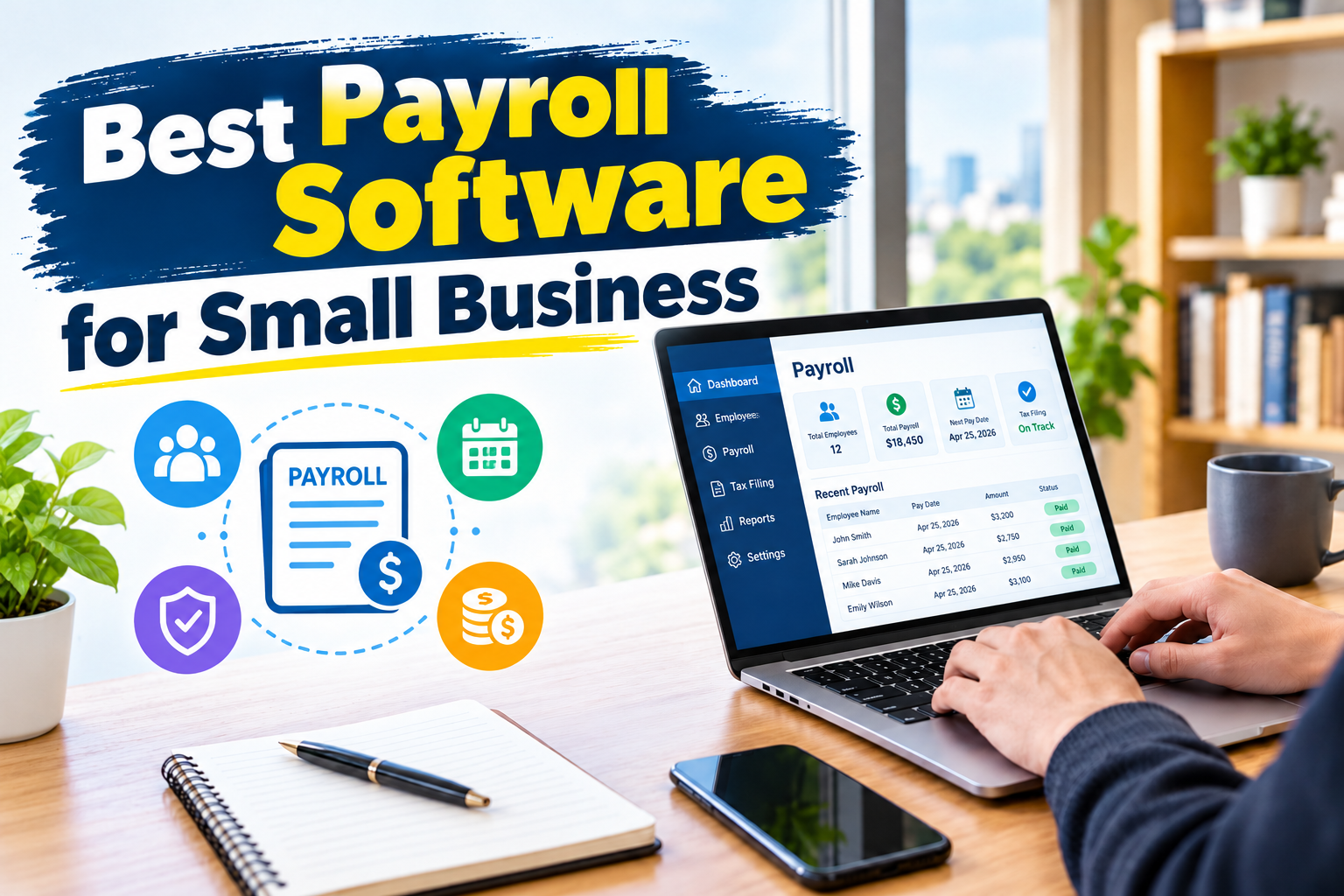
Choosing the best payroll software for small business can help business owners save time, reduce payroll errors, manage employee payments, and simplify tax administration. Whether you run a startup, an online business, a retail store, a marketing agency, or a company with a small team, the right payroll system can make paying employees easier and more organized.
Managing payroll manually can become complicated as your business grows. You may need to calculate employee wages, track working hours, account for overtime, manage deductions, prepare payslips, and maintain accurate payroll records. Payroll software can automate many of these tasks and help you manage your workforce more efficiently.
However, not every payroll platform offers the same features, pricing, or level of support. Some tools focus on simplicity and affordability, while others provide advanced human resources (HR) features, benefits administration, accounting integrations, and support for growing teams.
In this guide, we compare seven popular payroll software solutions for small businesses in 2026. You will learn about their main features, advantages, disadvantages, pricing considerations, and the types of businesses they serve best.
Quick Answer: What Is the Best Payroll Software for Small Business?
For many US-based small businesses, Gusto is a strong all-around choice because it combines payroll processing, tax filing, employee self-service, and HR features. QuickBooks Payroll is worth considering if your company already uses QuickBooks for accounting, while Square Payroll can be a practical option for businesses that rely on Square for point-of-sale operations.
Here are seven payroll platforms to consider:
- Gusto: Best overall for many small businesses.
- QuickBooks Payroll: Best for businesses using QuickBooks accounting.
- OnPay: Best for businesses looking for straightforward payroll and HR tools.
- ADP RUN: Best for businesses that want room to grow and additional payroll support.
- Paychex Flex: Best for businesses seeking payroll services and HR assistance.
- Square Payroll: Best for eligible retail, restaurant, and hourly-worker businesses using Square.
- Rippling: Best for businesses that want connected payroll, HR, and workforce automation.
The best option for your business depends on your location, employee count, budget, payroll complexity, and the features you actually need.
What Is Payroll Software?
Payroll software is a digital system that helps businesses calculate employee compensation, process payments, maintain payroll records, and manage payroll-related administrative tasks.
Depending on the provider and subscription plan, payroll software may also calculate tax withholdings, submit tax payments, prepare year-end tax forms, track employee hours, and connect payroll data with accounting software.
For example, imagine a small digital marketing agency with eight employees. The owner needs to calculate monthly salaries, account for approved leave, process deductions, and maintain payment records. Instead of calculating everything in spreadsheets, the owner can use payroll software to organize employee information and automate supported calculations.
Some platforms also allow employees to access their payslips, update personal information, and view tax documents through an online portal or mobile application.
It is important to understand that payroll software does not automatically guarantee compliance. Business owners must choose a plan that supports their jurisdiction and verify that employee classifications, tax settings, and payroll records are correct.
Why Do Small Businesses Need Payroll Software?
Payroll becomes more demanding when a company hires additional employees or starts operating in multiple locations. The right software can reduce administrative work and help business owners maintain consistent payroll processes.
1. Save Time on Payroll Processing
Calculating wages and preparing payments manually can take hours, particularly when employees have different salaries, work schedules, overtime rates, or deductions.
Payroll software can reuse employee information and automate recurring calculations. This allows business owners to spend less time on routine administration.
2. Reduce Payroll Calculation Errors
Manual spreadsheets can contain incorrect formulas, outdated tax rates, missing hours, or duplicated entries. Payroll platforms can automate supported calculations and flag certain inconsistencies.
However, business owners should still review payroll summaries before approving payments.
3. Simplify Payroll Tax Administration
Some full-service payroll providers calculate, deposit, and file supported payroll taxes on behalf of employers. This can reduce the amount of administrative work required from business owners.
Available services vary by plan and location, so always verify which tax filings are included.
4. Improve Employee Payment Management
Employees expect to receive accurate payments on time. Payroll software helps businesses organize pay schedules, payment methods, deductions, and payroll histories.
Many platforms support direct deposit in eligible markets, while others may offer checks or alternative payment methods.
5. Keep Better Payroll Records
Payroll records can help businesses prepare financial reports, answer employee questions, and organize documentation for accounting or tax purposes.
Secure digital records are generally easier to search and manage than scattered paper documents or multiple spreadsheets.
6. Support Business Growth
A company may start with two employees and eventually hire a larger team. Payroll software with flexible plans and integrations can help the business manage increasing administrative demands without immediately rebuilding its payroll process.
Best Payroll Software for Small Business: Comparison Table
The following comparison highlights the main strengths of seven widely used payroll platforms. Pricing and feature availability can change, and some providers use customized quotes rather than publishing a standard price.
| Payroll software | Best for | Main strengths | Pricing approach |
|---|---|---|---|
| Gusto | General small-business payroll | Automated payroll, tax filing, HR tools | Published plans |
| QuickBooks Payroll | QuickBooks users | Payroll and accounting integration | Subscription plus employee fees on applicable plans |
| OnPay | Straightforward payroll and HR | Payroll, tax administration, HR features | Published base price plus per-person fee |
| ADP RUN | Growing businesses | Payroll support and scalable services | Usually quote-based |
| Paychex Flex | Payroll with additional HR support | Payroll services and HR options | Plan or quote dependent |
| Square Payroll | Square-based retailers and restaurants | Hourly payroll and POS ecosystem integration | Published plan pricing |
| Rippling | Workforce automation | Payroll, HR, and IT workflows | Customized pricing |
This is a practical shortlist rather than a universal ranking. Compare the current plan details on each provider’s official website before purchasing.
1. Gusto — Best Payroll Software Overall for Many Small Businesses
Official website: https://gusto.com/
Gusto is a payroll and HR platform designed to help businesses manage employee payments and related administrative tasks. It is a strong starting point for small employers who want payroll processing and supported tax administration in one system.
The platform is particularly worth considering if you want a relatively straightforward experience without assembling several separate tools.
Key Features of Gusto
- Automated payroll processing.
- Supported payroll tax calculations, filings, and payments.
- Direct deposit and check options, subject to eligibility.
- Employee self-service tools.
- Employee onboarding and HR functionality.
- Paid time off management.
- Integration options for accounting and other business tools.
- Additional benefits and workforce management features on eligible plans.
Advantages of Gusto
Gusto combines several payroll and HR functions in one platform. This can be useful for small companies that do not have a dedicated HR department.
Its employee-facing tools also help workers access payroll information without repeatedly asking the business owner or accountant for documents.
Another advantage is its published pricing structure, which can make initial budgeting easier.
Disadvantages of Gusto
The total cost increases as the workforce grows because applicable plans charge per person in addition to the base subscription.
Some advanced HR, compliance, and workforce management features require higher-tier plans or additional fees. Businesses outside its supported markets should also verify availability before investing time in setup.
Gusto Pricing
Gusto’s published Simple plan is listed at $49 per month plus $6 per person per month. Higher-tier plans have different prices and additional features. Confirm current pricing and eligibility on its official pricing page:
https://gusto.com/product/pricing
Who Should Use Gusto?
Gusto may be a good fit for US-based startups, small agencies, professional service businesses, and employers who want payroll and basic HR functions together.
Verdict: Consider Gusto first if you want an accessible payroll platform with a broad set of small-business features.